
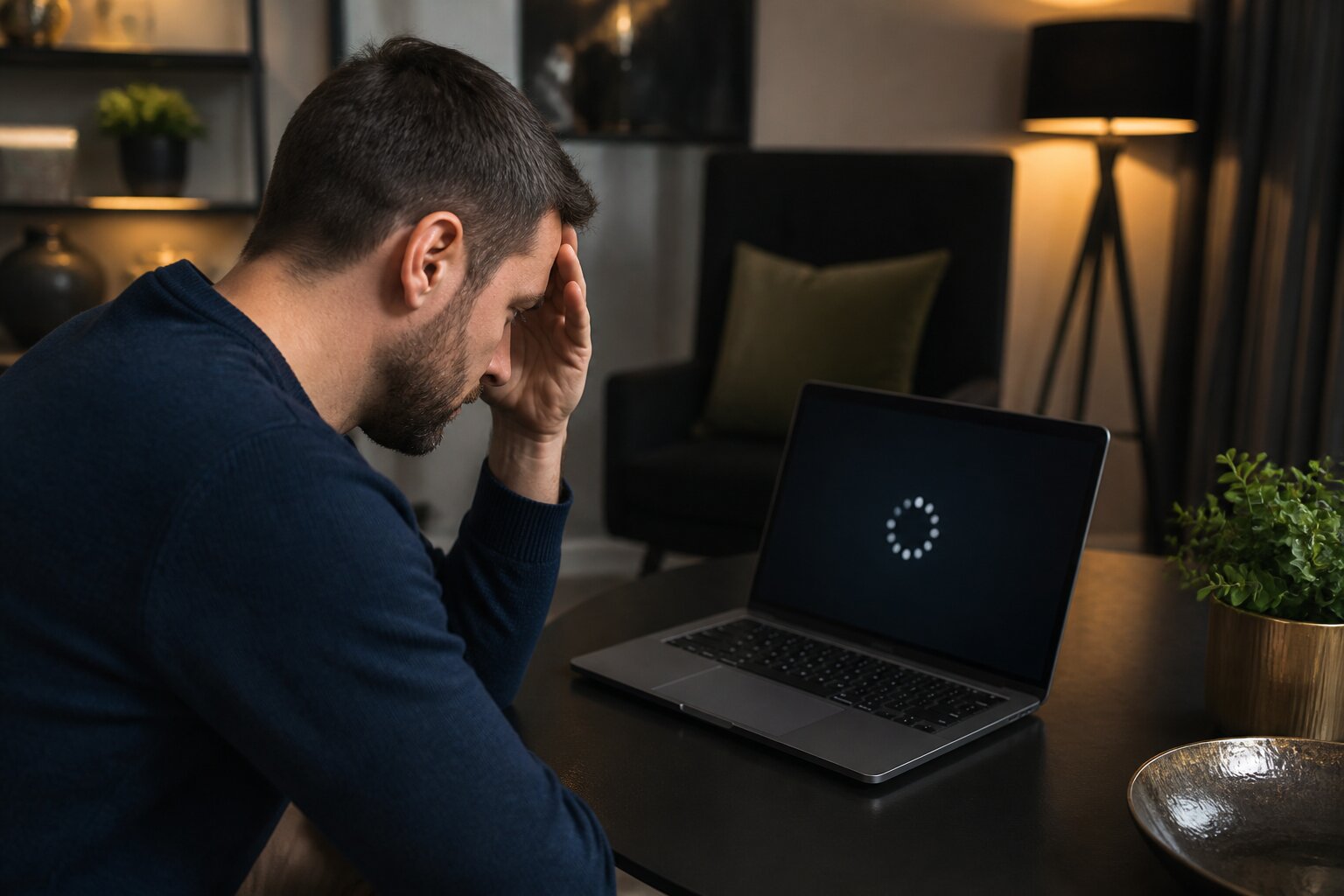
Everyone loves the excitement of spinning the reels or joining a live casino table, but nothing ruins the fun faster than a game that will not load or freezes at a crucial moment.
It is frustrating, especially when you are set up for a session or are about to complete a big feature. You may wonder whether it is something on your device, the network, or the casino itself.
These problems are common and often straightforward to diagnose. The sections that follow explain the typical causes, how device and connection issues affect play, what operator-side faults look like, and practical steps to get you back to the game.
Common Reasons Casino Games Freeze or Fail to Load
Below are the most frequent technical causes of freezing or loading problems and brief notes on what each looks like in practice.
Poor Internet Connection
A slow or unstable Wi-Fi or mobile data signal interrupts communication between your device and the casino servers, causing long load times, dropouts, or freezes.
Browser Incompatibility
Not all browsers handle casino software in the same way. Older or unsupported browsers may fail to display graphics correctly or cannot run modern game code.
Outdated Software or Apps
Running an old browser, an out-of-date casino app, or an unsupported operating system can introduce compatibility issues that lead to crashes.
Conflicting Browser Extensions
Tools like ad blockers or VPN add-ons sometimes block or alter files the game needs, so features fail to load or the game stalls.
Expired Session
If you have been idle for a while, an automatic logout can break a session and prevent games from resuming without a fresh login.
Cache and Cookies Issues
Corrupt cached files or cookie problems may stop a game from starting or cause interface errors.
Technical Glitches on the Operator’s Side
Server maintenance, software bugs, or peaks in player traffic at the operator can cause temporary game interruptions.
Device Limitations
Older phones, tablets or computers may lack the memory or processing power to run modern games smoothly.
Understanding these causes makes it easier to narrow down the problem. Next, we will look more closely at how your device and browser specifically affect gameplay.
How Device and Browser Problems Affect Gameplay
Technical constraints in your device or browser translate directly into the way a game behaves. Graphics may stutter, animations might skip, or a session may halt completely when the environment does not meet the game’s requirements.
Device Compatibility and Performance Issues
Developers design games to run on many devices, but resource-heavy animations, high-resolution graphics or live video streams can overwhelm older hardware. A phone with limited RAM may swap memory frequently, producing pauses or sudden restarts, while an ageing processor can struggle to keep up with game logic and rendering. Different operating systems also handle multimedia and network requests differently, so an update to Android, iOS or Windows can improve stability or, if missing, create problems.
Symptoms that point to device limitations include sluggish controls, delayed responses when you place bets, or crashes during visually intense sequences. If these appear repeatedly, testing the same games on another device can confirm whether the issue is hardware related. This testing will also show whether the problem stems from connection quality, which is the focus of the next section.
Outdated Software or Browser Settings
Browsers and system software receive regular updates to support new web standards and security requirements. If the browser version is old, features such as HTML5 canvases or WebRTC streams used by many games may not function correctly, producing blank screens or error messages. Browser settings can also block essential functionality; for example, JavaScript disabled or overly strict pop-up controls will prevent games from initialising.
Keeping the browser and operating system current, and ensuring settings allow site scripts and media, usually resolves these problems. If that does not help, checking network behaviour is the next logical step.
Internet Connection Issues: Why Do They Matter?
A steady internet connection is essential for online play because every action in a game requires continuous data exchange with the casino servers. Even small interruptions or slow data transfer can disrupt gameplay, causing long loading screens, stalled animations, or being disconnected mid-session. These problems not only spoil the experience but can also lead to lost bets or opportunities to make informed decisions during live play.
Reliable connectivity is particularly important for time-sensitive features, such as placing bets within a round or responding to in-game prompts. Problems that happen repeatedly are also a safety concern, as interrupted sessions can make it harder to track your activity and account balance. Keeping your connection stable helps ensure the game behaves as intended and that you retain control over your play.
Slow or Unstable Internet Connections
When bandwidth is limited or latency is high, responsive gameplay becomes difficult. Live dealer games are especially sensitive because they stream video in real time, so lag shows up as buffering, frozen frames or delayed dealer actions. These symptoms can make it impossible to follow the pace of the game and can be frustrating when timing matters.
Shared home broadband during busy hours, or mobile users moving between signal areas, commonly experience these effects. Background apps, downloads or other devices using the network can also reduce available bandwidth. If loading delays and temporary disconnects happen frequently, testing the connection speed and checking for competing network traffic can help identify the problem.
Switching to a stronger network, such as a wired Ethernet connection instead of Wi-Fi, or moving closer to the router can improve stability. For mobile users, pausing downloads and ensuring a strong cellular signal or using a reliable Wi-Fi hotspot can reduce interruptions. These practical steps often lead to noticeably smoother play.
Network Restrictions and Firewalls
Some public or corporate networks impose restrictions that interfere with gaming sites. Firewalls, content filters or captive portals can block certain resources the casino needs, breaking game elements or preventing live streams from starting. When playing on such networks, you may see partial pages, missing media or repeated connection prompts that prevent normal operation.
These restraints are common in workplaces, hotels, universities and public Wi-Fi hotspots, which may intentionally limit streaming or gaming traffic. When possible, moving to a private, unrestricted connection typically restores full functionality. Adjusting firewall rules or whitelisting the site on a home network can also resolve access issues, provided you have permission and understand the security implications.
With a handle on device and network factors, it is also important to recognise when the fault lies with the site itself.
Site-Related Causes of Casino Game Errors
Not all errors originate on the player’s side. Operator-side issues are usually temporary but can cause complete service outages or intermittent failures that affect many players at once.
Scheduled maintenance windows are a planned example, when parts of a site are taken offline to apply updates or perform health checks. Operators typically post notices in advance so users can plan around the downtime. Unplanned incidents include server outages, partial hardware failures, or bugs introduced during software updates; these can produce error messages, unexpected disconnections, or problems loading certain game titles.
High traffic periods may also strain capacity and slow response times, particularly on popular jackpot or live events. While these issues are rarely linked to account or game integrity, they do interrupt play and may require patience until the operator resolves them. If the operator’s systems are working fine, the troubleshooting steps that follow often fix the most common user-side problems.
How to Troubleshoot a Frozen Casino Game
When a game freezes or will not load, a few practical checks can usually restore function without changing account settings.
Refresh the Game Page
Reloading the page often reestablishes the session and clears temporary loading errors.
Log Out and Back In
Signing out and then signing in again resets session tokens that may have expired or become corrupted.
Clear Browser Cache and Cookies
Removing stored site data forces the browser to fetch fresh files, which can remove interface glitches caused by corrupted cache entries.
Try a Different Browser or Device
Switching browser or device helps identify whether the issue is specific to a particular setup.
Check Your Internet Connection
Open other websites or apps to check network performance. If the connection is unstable, switching to a wired connection or a stronger Wi-Fi signal can help.
Wait and Check for Site Announcements
If the operator is performing maintenance or facing outages, a site notice usually explains the situation and gives an estimated restoration time.
These approaches address most common problems. If attempts to fix things yourself do not work, the next section explains when to escalate the issue to support.
When Should You Contact Customer Support?
Contact customer support when technical faults persist despite the basic troubleshooting steps, or when the problem affects account access, transactions or the correct crediting of game outcomes. Examples include being repeatedly logged out, receiving unfamiliar error messages across multiple devices, or losing a connection during a paid round that prevents account access afterwards.
Most operators provide live chat for immediate help and email for more detailed follow-up. If a phone line is available, that can be useful for complex issues requiring verbal clarification. When contacting support, provide clear details such as the device and browser used, any error text shown, the time the fault occurred and what you were doing in the game, so the team can investigate efficiently.
Support teams also explain available account protections, including setting deposit limits, time-outs and self-exclusion options. If technical frustrations are affecting your play, mention this during the conversation and the team can point you to the relevant account controls and guidance.
This guidance should help you diagnose and resolve the majority of game freezes and loading errors so you can return to playing with greater confidence.
Play Casino Games Online at Easy Slots
At Easy Slots, you can browse our range of online casino games and take the time to decide whether playing is right for you. Our site provides responsible gambling tools to help you set limits, manage your play and stay in control.
If you choose to create an account, registration is straightforward. Before making a deposit, consider your budget and only gamble with money you can afford to lose. Support is available if you have questions about your account or need help managing your play.
Gambling should be treated as entertainment, not as a way to make money. Review the options available and make an informed decision about whether and how you want to play.
**The information provided in this blog is intended for educational purposes and should not be construed as betting advice or a guarantee of success. Always gamble responsibly.